Studying away from home
Food, transportation, rent, school: suddenly it’s all up to you, sometimes for the first time. Keep track without spreadsheets or mental math, and know on Thursday whether your money will last through Saturday.
 Sign inSign in to my account
For young people learning to manage their money
Track your expenses, see what’s left, and grow your savings week by week.
Available for iPhone and iPad
7 free days: no charges during the trial, and you can cancel in the app. A card is required to start. You can also use Lana 360 directly in your browser.
Getting it for your child? You create the account and record deposits; they manage their money. How it works for families →
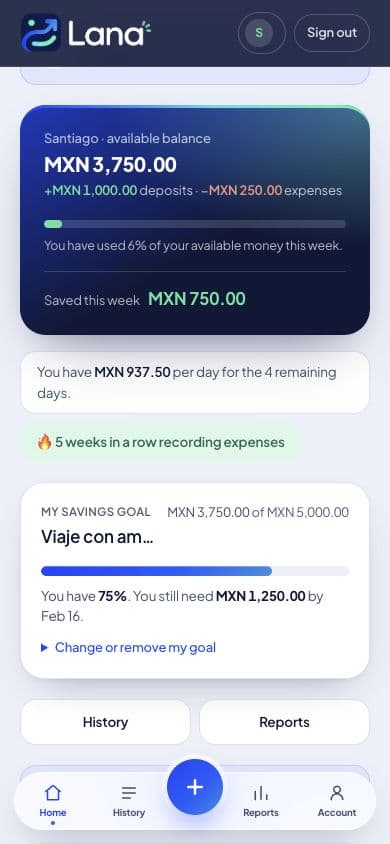
Make your money last, with enough left for what you want.
Try it free 7 daysWith Lana 360 there’s nothing to study. Just your money, your week, and the choices you make.
Build a thoughtful approach to money, stay focused, and pursue your dreams.
MondayDuring the weekSunday
Three moments, each taking less than a minute.
1 · Monday
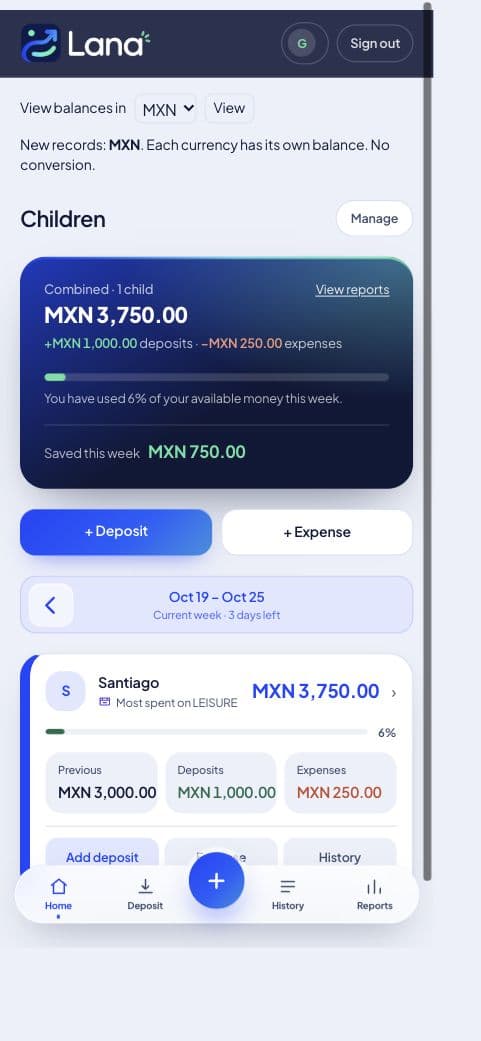
See how much you have and how long it needs to last. Start with a clear picture.
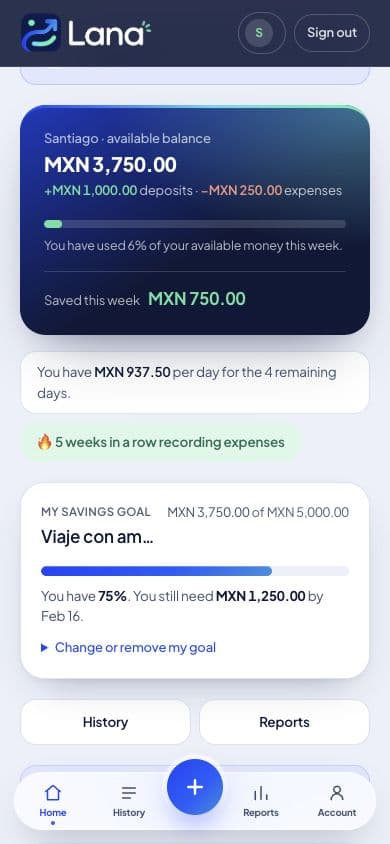
2 · During the week
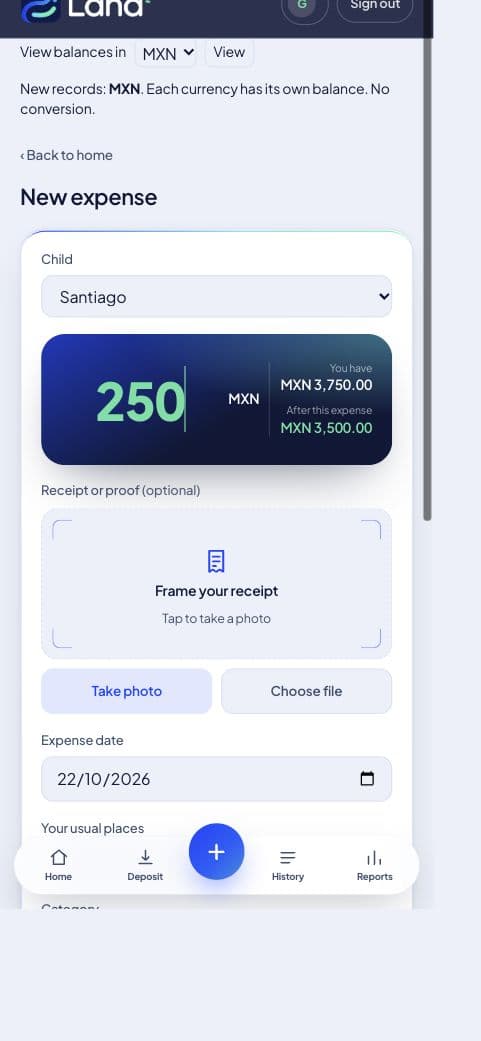
Take a receipt photo and Lana 360 reads the amount and merchant. It takes seconds and becomes a habit.
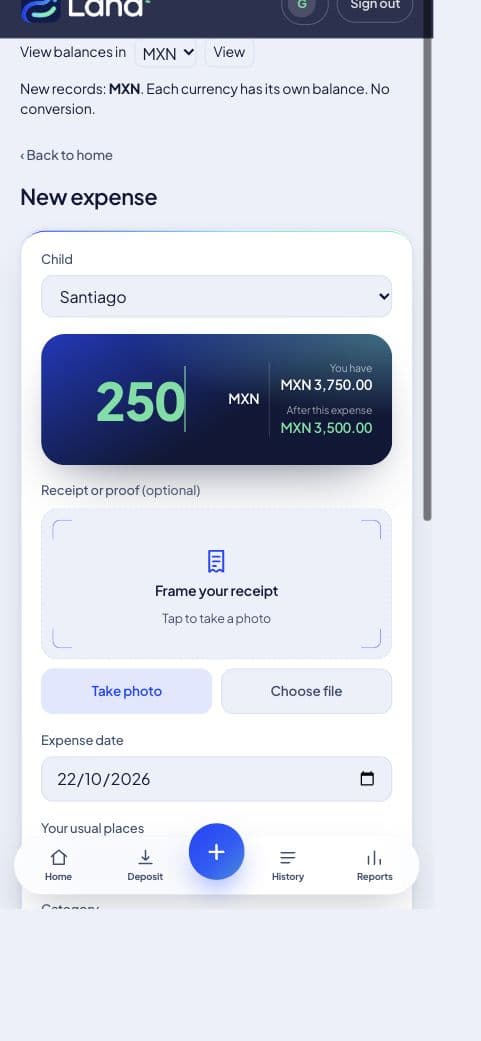
3 · Sunday
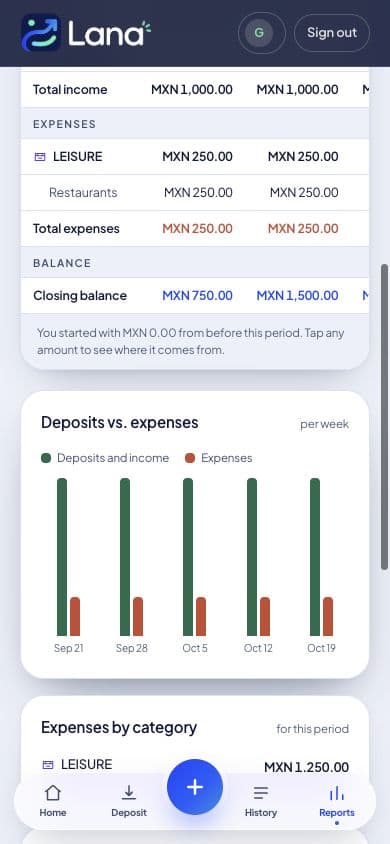
See where you spent your money and how much you saved.
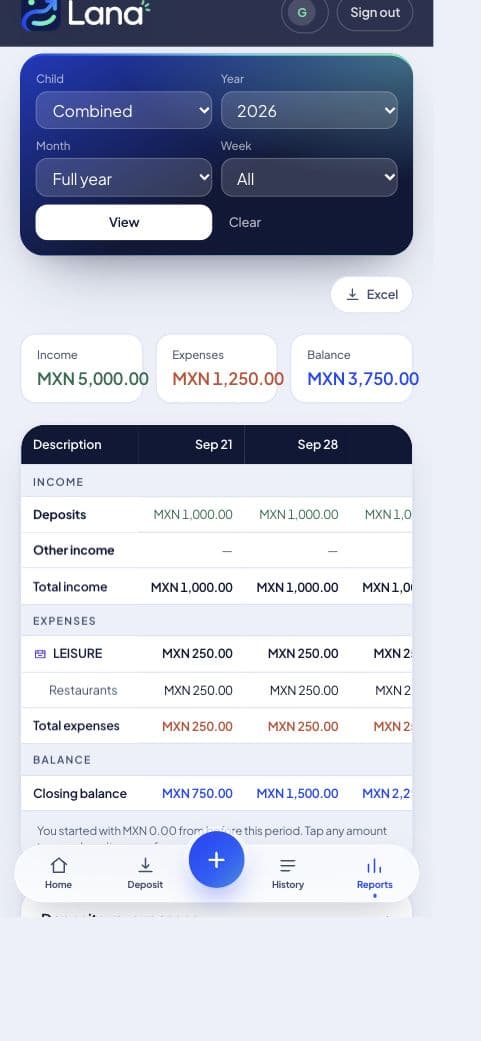
On Monday, start again with what you saved the week before.
Food, transportation, rent, school: suddenly it’s all up to you, sometimes for the first time. Keep track without spreadsheets or mental math, and know on Thursday whether your money will last through Saturday.
You receive money every week or two and want to make it last. Record your spending, see where it goes, and discover how much you can save by planning ahead. Wherever you live, the habit matters.
Sunday
See where you spent your money and how much you saved.
Your own reports: where you spend more, where you spend less, and what changes each week.
Snap your receipt
Lana 360 reads the amount, the date and the merchant from the receipt and fills in the expense. You just confirm. It takes seconds and becomes a habit.
Your goals
Saving is easier when you know what you’re saving for. In Lana, set a goal, choose an amount, and see your progress each week.
A trip, laptop, sneakers, or concert can become a real goal. Saving starts to feel less like sacrifice and more like progress.
For you, using it every day
For parents
What people say
“I struggled with spreadsheets. With Lana I record things in seconds, and by Sunday I know what I spent my money on, without doing the math myself.”
“I set a goal and every week I see how much I have left. I’m already saving for a trip. Before, I never knew whether I could afford it or where my money went.”
“I no longer send the deposit through WhatsApp: I record it and they see it right away. My favorite part was seeing them become more responsible and organized. They even started saving on their own.”
Pricing · paid by a parent · Prices in MXN (Mexican pesos).
Pricing is based on how many children you add. Parent or guardian accounts are free, and the price stops increasing after the third child.
$49 per month
or $490 per year · 2 months free
$490 per year
2 months free · works out to $41 per month
Try it free$98 per month
or $980 per year · 2 months free
$980 per year
2 months free · works out to $82 per month
Try it free$129 per month
or $1,290 per year · 2 months free
$1,290 per year
2 months free · works out to $108 per month
Try it freeAll three include everything:
Try it for 7 days. Cancel anytime, right in the app.
Encrypted dataWe don’t sell your informationCancel anytime
Correct it in a couple of taps. The amount, date, merchant, and category stay editable before saving, and nothing is recorded until your child confirms it. The photo gets things started; they have the final say.
No. You create the account and enter your card. Your child signs in separately and only sees their own information, never yours or their siblings’. Families cannot see each other’s information.
There’s no minimum term. You won’t be charged during the 7-day trial, and you can cancel anytime in the app, without calls or paperwork.
Information is encrypted in transit. We don’t sell it or share it with third parties for commercial purposes. Database rules keep each family’s information separate.
A parent creates the account, adds you, and starts with this week’s deposit.
Try it free 7 days